Unconfirmed personalization can delay a print campaign and waste artwork revisions. Kodak’s PROSPER Plus 5 announcement gives designers a reason to review the boundary between fixed artwork and variable content with their printer, before booking a campaign.
For a team planning personalized print, the useful question is which parts of the piece should change, and how the printer will approve those changes. Kodak describes an imprinting system for adding variable content to existing production equipment; that announcement does not establish your printer’s configuration, your material’s suitability or your campaign’s results. Use the brief below to map fixed artwork, changing fields, sample records and proof approvals to a specific job.
Key points:
- Treat the announcement as a starting point for a production conversation.
- Identify the fixed brand layout and the proposed changing areas separately.
- Request a representative printed proof before approving the job.
- Keep equipment availability, your printer’s readiness and the campaign launch date separate.
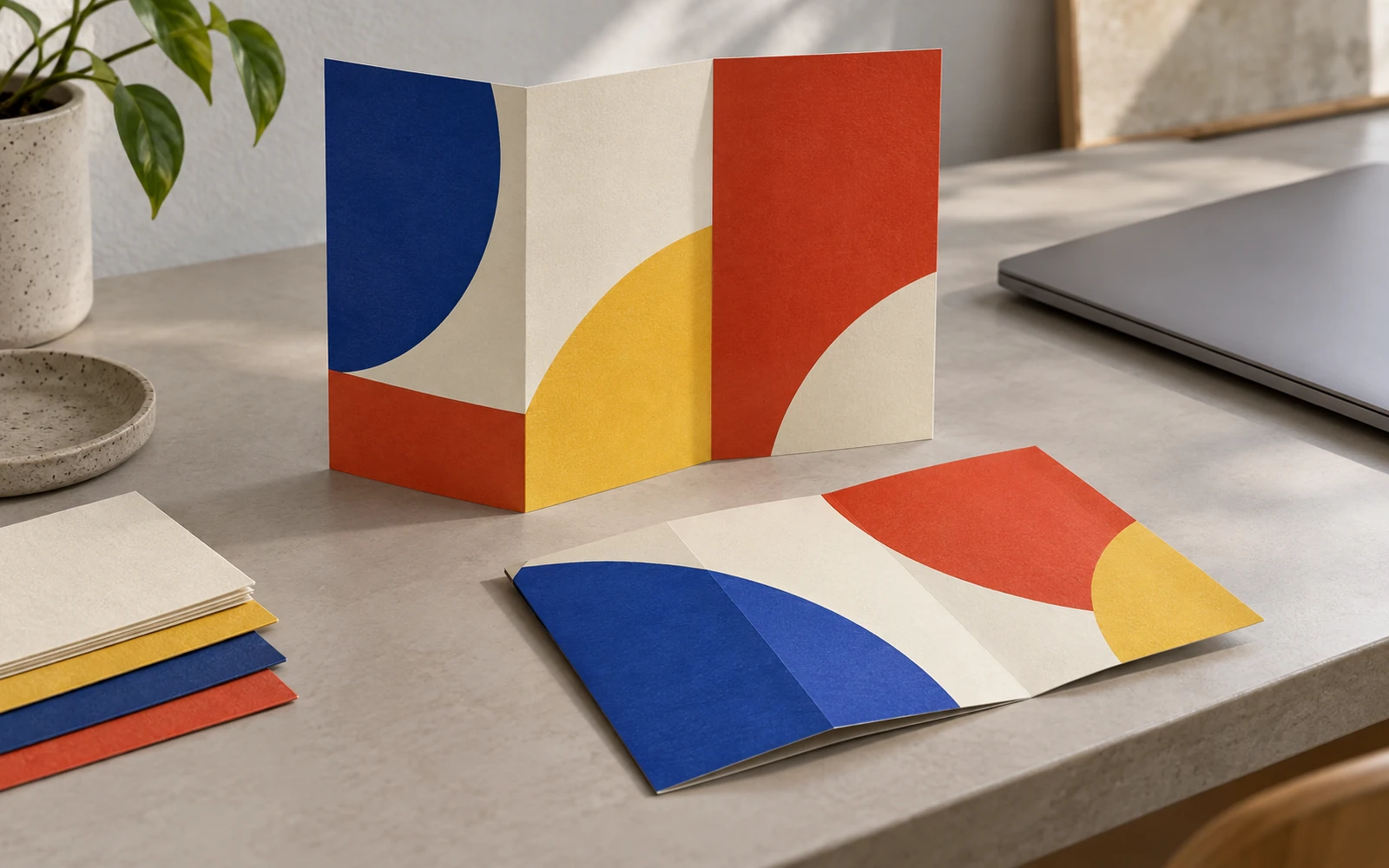
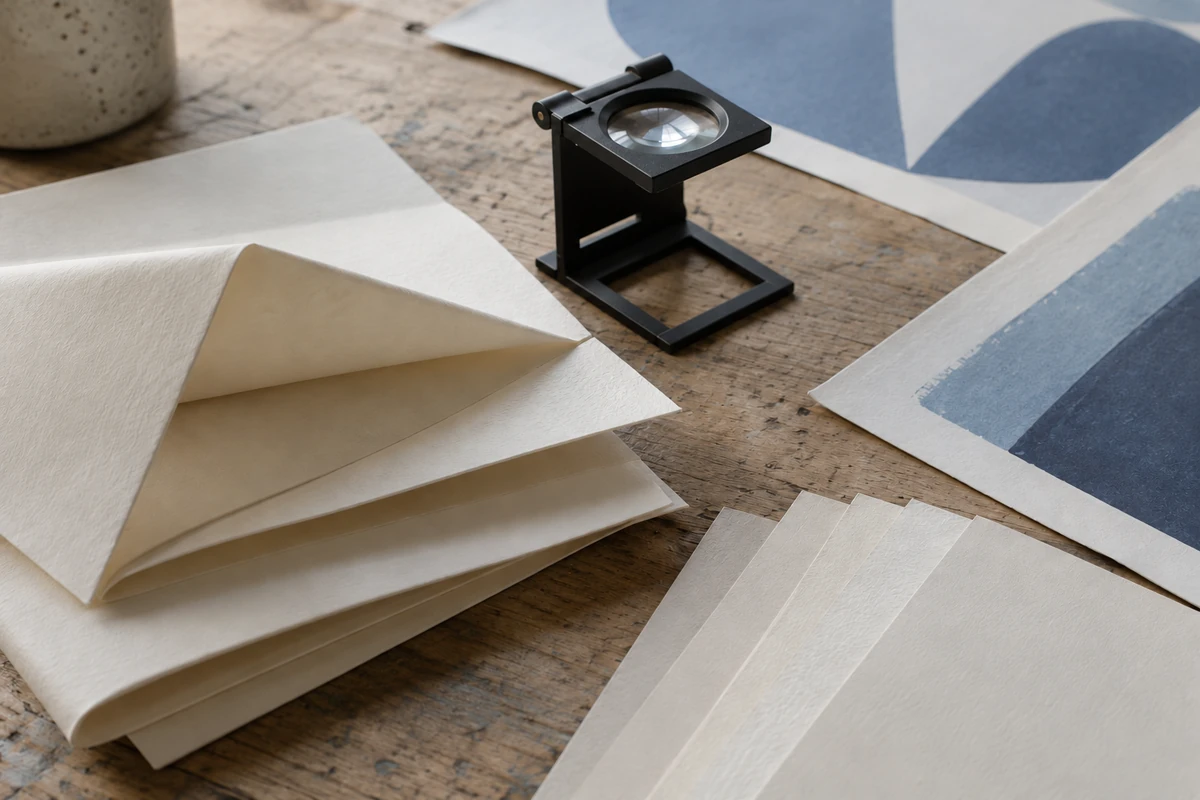
The opening image is a generated illustrative scene, not a Kodak product photograph or a campaign produced with the system.
What did Kodak announce?
Kodak announced the PROSPER Plus 5 Imprinting System in a company press release dated October 6, 2026, published by WhatTheyThink. The release describes adding Stream Inkjet Technology to existing presses and finishing lines for variable data, coding, serialization, personalization and versioning. These are the manufacturer’s descriptions of the system.
| Announcement item | What the source says | Meaning for a design brief |
|---|---|---|
| Integration | Add imprinting to existing presses and finishing lines | Ask how your printer would divide the fixed and changing content |
| Published specifications | 152 mpm (500 fpm), with 600 × 900 dpi resolution | Record these as manufacturer specifications; request the conditions for your job |
| Applications | The release includes direct mail among its listed applications | Discuss a particular mail piece and stock, rather than assuming every format fits |
| Availability | Kodak says the system is available worldwide now | Ask your printer about its actual installation and schedule |
The specifications and availability statement above come from the October 6 company release. They do not establish finished pieces per hour, local installation dates or a delivery promise. Kodak’s current product page also describes the new system and lists personalized direct mail within the portfolio’s applications.
For campaign planning, imprinting here means discussing a digital addition to an existing production route. Variable content is content intended to change between pieces or versions. Start with the message and placement questions in our print advertising examples, then mark the areas you want to vary.
Takeaway: Carry the announcement into a project discussion; use the printer’s job-specific confirmation to make the production decision.
Who should revisit a print brief?
Brand designers, campaign managers and production coordinators should revisit a brief if their next project combines a repeated brand layout with changing information. The table shows proposed planning tasks, rather than confirmed customer applications. A retailer’s localized card, for example, is a hypothetical project to discuss with a printer.
| Role and proposed task | What to reconsider | Basis for the question |
|---|---|---|
| Designer planning localized promotional cards | Which elements stay fixed, and where does the local message sit? | Versioning is among the announced uses |
| Campaign manager planning personalized mail | Who owns the changing copy and approves its connection to a record? | Personalization and direct mail are named in the release |
| Packaging designer proposing a changing code area | Which area is variable and what needs checking on the finished object? | Coding is named; the individual package remains a project question |
| Production coordinator preparing a schedule | Which approvals depend on a printed sample and an agreed production route? | Integration into existing equipment is announced, not the readiness of an individual printer |
A first brief might retain the brand image and headline while proposing one changing text area. Ask the printer to review that division. If the creative problem is a sequence of seasonal designs rather than record-by-record changes, our coffee pouch graphics explainer addresses that separate artwork-planning task.
For labels, begin with the label content and layout guide so a proposed variable area does not displace information the design already needs.
Takeaway: Give each changing area a purpose and an owner before asking how it could be printed.
What belongs in the designer-to-printer brief?
A useful brief describes the artwork, the proposed data changes, the physical piece and the approval responsibility together. Use the table as an editable project checklist. Its example entries are suggestions for a hypothetical campaign, not a Kodak file specification or an industry standard; obtain the printer’s actual input requirements.
| Brief item | What to record | Question for the printer or project owner |
|---|---|---|
| Fixed artwork | The elements intended to repeat, such as the brand image and headline | Which file and version will be the approved base? |
| Proposed variable areas | Marked areas on the layout, with intended content and placement | What print area and positioning are available on the actual configuration? |
| Data-to-content map | Which field supplies each changing element | Who prepares the records, and what format does the workflow accept? |
| Exception rules | Proposed treatment of missing values, long text and unused fields | Should the job omit the field, use fallback copy or hold the record for review? |
| Physical piece | Stock, coating, size, folds and other relevant finishing details | What sample would represent the finished job? |
| Proof set | Dummy records covering ordinary content and exceptions | Who checks appearance, content matching and any code destination? |
| Approval and schedule | Named project owners and the sequence of approvals | What must be approved before a production slot is agreed? |
Keep the base artwork and the sample data identifiable as a pair. For a hypothetical store card, the brief could propose the same brand image on every card with a changing location field. Include a deliberately long location and a missing location in the sample records, and ask the printer to propose the handling. This turns an abstract personalization request into a discussion of visible outcomes.
Use dummy records for the initial design conversation; decide the appropriate data-transfer process with the responsible project owner before providing production records. This checklist does not establish a privacy or security process.
Common mistake: Sending only a polished layout. A layout alone does not tell the printer what should happen when a field is empty or content does not fit. Put those decisions in the brief and review their sample outcomes.
Our brochure software and file preparation guide covers the base-file side of the handoff. For a coated label stock, the UPM Asendo 80 print-proof questions explain why a material announcement still leaves a particular printed sample to check.
Takeaway: The brief is ready for discussion when it connects each proposed change to data, a visible result and an approval owner.
When should a campaign team act?
Begin the discussion when the campaign’s message and physical format are clear enough to make a sample meaningful. Leave the production date conditional until the printer confirms the route and approval sequence.
| Date or project milestone | Event or decision | Source and nature | Suggested action |
|---|---|---|---|
| October 6, 2026 | System and worldwide availability announced | Kodak company release, published by WhatTheyThink | Ask about your printer’s setup |
| Product-page publication date not stated | Current manufacturer description | Kodak product page; manufacturer information | Check it alongside the printer’s configuration |
| While planning the next campaign | Define fixed and changing content | Editorial planning suggestion; project date to be agreed | Prepare the brief before finalizing the layout |
| Before artwork approval | Agree file, data and proof responsibilities | Editorial planning suggestion; project date to be agreed | Review output and exception handling |
| Before committing the launch schedule | Confirm the production plan | Printer’s job-specific confirmation required | Obtain a schedule for the defined job |
Start with any print route already agreed for the job; the announcement alone is no reason to switch. If a proposed special finish intersects the changing area, the metallic coating design questions provide a separate checklist for discussing the finish with the printer.
Common mistake: Treating “available worldwide” as “my printer can run it next week.” Ask about the actual configuration, sample approval and production slot before announcing a launch date.
Takeaway: Act early on the brief, and commit the campaign date only after the printer confirms the project plan.
What is still uncertain?
The announcement leaves the project-specific production decisions open. It does not provide a quotation, a finished sample of your design or evidence of your campaign’s response. Use the questions below to identify the person and document that could resolve each decision, rather than treating every unknown as a reason to abandon the idea.
| Open decision | Who can confirm it? | What to ask for |
|---|---|---|
| Actual equipment and integration | Printer’s production lead | Description of the proposed configuration and where changing content is added |
| Printable variable area and content limits | Printer’s prepress team | Job-specific layout guidance and accepted data/file inputs |
| Result on the chosen stock and finish | Printer, with the relevant supplier if needed | A representative printed and finished sample |
| Content and record matching | Campaign data owner and printer | Agreed field map, exception rules and approval examples |
| Code destination and usability, if proposed | Campaign owner and printer | A check of the intended destination and finished printed code |
| Cost and delivery schedule | Printer’s estimating and scheduling team | A quotation and schedule for the defined job |
| Marketing outcome | Campaign team | Its own measurement plan and results after the campaign |
Request an exception proof if a field’s fit is unclear, or a physical sample if the finish is uncertain. A nominal equipment specification settles neither question.

Takeaway: Assign every open production decision to someone who can answer it with a project-specific document or sample.
When this does not apply
Use this brief for an early discussion about adding changing content to printed campaign materials. It does not determine machine compatibility, prescribe a file format, approve a substrate or establish privacy, postal, packaging or security compliance. It also does not establish that whole-page images can vary on a particular installed configuration.
Use a conventional brief if no content changes. Resolve creative questions through message and placement; resolve response or return-on-investment questions through campaign evidence.
Browse Print Design for adjacent artwork topics, or the article index for the site’s other print and packaging explanations.
Takeaway: Use the checklist to prepare a conversation, and the relevant specialist’s project evidence to approve the work.
Method and sources
This explanation separates Kodak’s company announcement from proposed design actions. The dated release is reproduced by WhatTheyThink as a press release from the issuing company; Kodak’s product page supplies the manufacturer’s current description. Both represent manufacturer information, rather than independent testing. Colorado’s official print-service page supplies the general variable-data definition used in the FAQ. The brief and hypothetical card example are editorial planning suggestions, not documented customer work.
The source links below identify the announcement and product information. No campaign response, comparative performance, price or customer delivery result is established here.
Takeaway: Read the specifications as attributed manufacturer information and the brief as a tool for defining your own project questions.
Related reading
- Print advertising examples — Review the message and placement before introducing variable content.
- Brochure software and cost factors — Prepare the base artwork and understand the file handoff.
- Product label design guide — Review the information and layout that a label needs to retain.