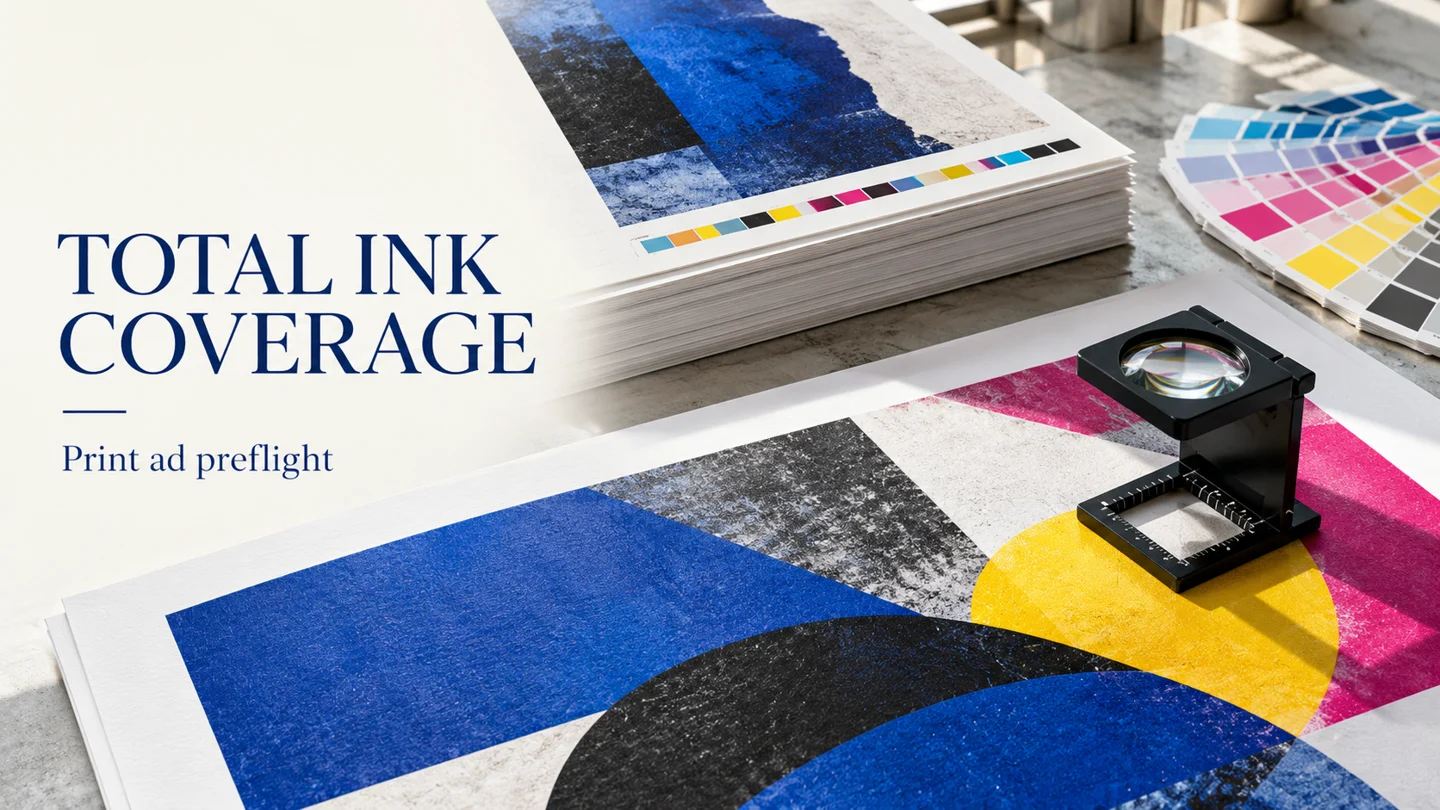
CMYK coverage is expressed as C+M+Y+K. Ink, paper and drying method constrain total ink coverage. For a print ad, start with the receiving job’s coverage requirement, then inspect the delivery PDF against that requirement. Use the named references below to compare the options and record the chosen profile alongside the checking threshold.
Coated, uncoated and newsprint: named limits
Match the reference to the intended printing condition before choosing a limit. Keep the profile name and its coverage value together in the job brief.
| Named profile | Total coverage |
|---|---|
| Coated profile | PSOcoated_v3.icc has TAC of 300%. |
| Uncoated profile | PSOuncoated_v3_FOGRA52.icc has TAC of 300%. |
| Newspaper profile | WAN-IFRAnewspaper26v5 provides a TIC of 220%. |
PSOcoated_v3.icc applies to sheet-fed and heat-set web offset printing on Premium Coated stock. PSOuncoated_v3_FOGRA52.icc applies to sheet-fed and heat-set web offset printing on Wood-free uncoated stock. Choose the complete named profile for the intended job; use the table as a profile reference when completing the handoff checklist.

Newspaper guidance and publication specifications
In WAN-IFRA’s newspaper color-separation guidance, total ink coverage should not exceed 220 percent. The same newspaper guidance lists maximum total ink coverage of 240 percent. Keep the recommended level and the listed maximum separate when reading the receiving specification.
Manzoni’s specifications for the named GEDI newspapers using roto-offset list Total Area Coverage: 240% (CMYK). For switching to lower-grammage newsprint, surveyed experts recommend reducing CMYK total ink coverage to 220% or lower. Record the receiving publication and its current instructions before selecting the preflight threshold. For the related color-handoff workflow, see CMYK and RGB print handoff.
How to read the CMYK total
Total ink coverage combines the four components of CMYK color. The maximum dot percentage is called Total Ink Coverage (TIC) or Total Area Coverage (TAC).
Worked example
Adobe’s example combines 60C, 60M, 60Y, and 100K to give 280% ink coverage. Use this example to read a combined coverage value. For your own ad, inspect the actual area in the final PDF and compare its total with the job’s specified limit. Keep individual black-swatch decisions in the companion guide to rich black and registration black.
Why check for set-off and drying problems?
Too much ink can saturate paper and cause drying problems. Offsetting occurs when ink from a still-wet sheet transfers to what is stacked on top. Coldset newspaper ink does not genuinely dry but partially penetrates the paper. Put the coverage check into the artwork handoff before sending the final file. Review flagged areas alongside the job’s substrate and printing process.
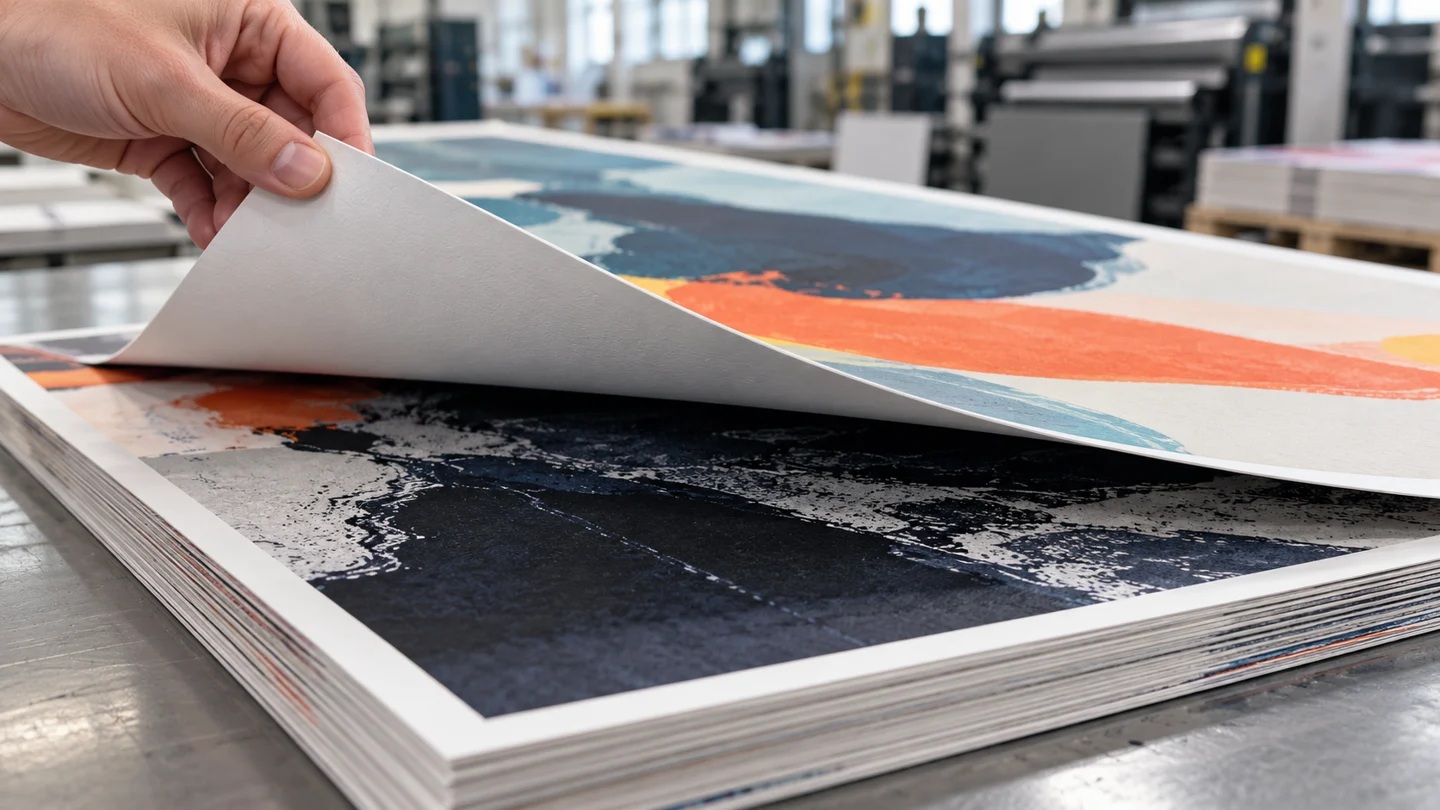
The printing process is a factor in the maximum ink amount for a job. Press physical characteristics, including speed, affect the maximum ink amount. Too much ink can change expected document color characteristics.
Check total area coverage in the final PDF
Use the agreed job limit as the checking threshold and keep a record of the areas flagged for correction.
- In Acrobat Pro, open Output preview through All tools, Use print production, Output preview.
- Choose Separations from the Preview menu in Output preview.
- To check document coverage, select TotalArea Coverage and choose or type a percentage.
- Highlights identify areas whose ink coverage exceeds the chosen percentage.
- Hovering over an area shows ink percentages next to each ink name.
Inspect the highlighted areas and record the corrections to make. After editing and exporting, repeat the inspection on the delivery copy.
Include the page interactions
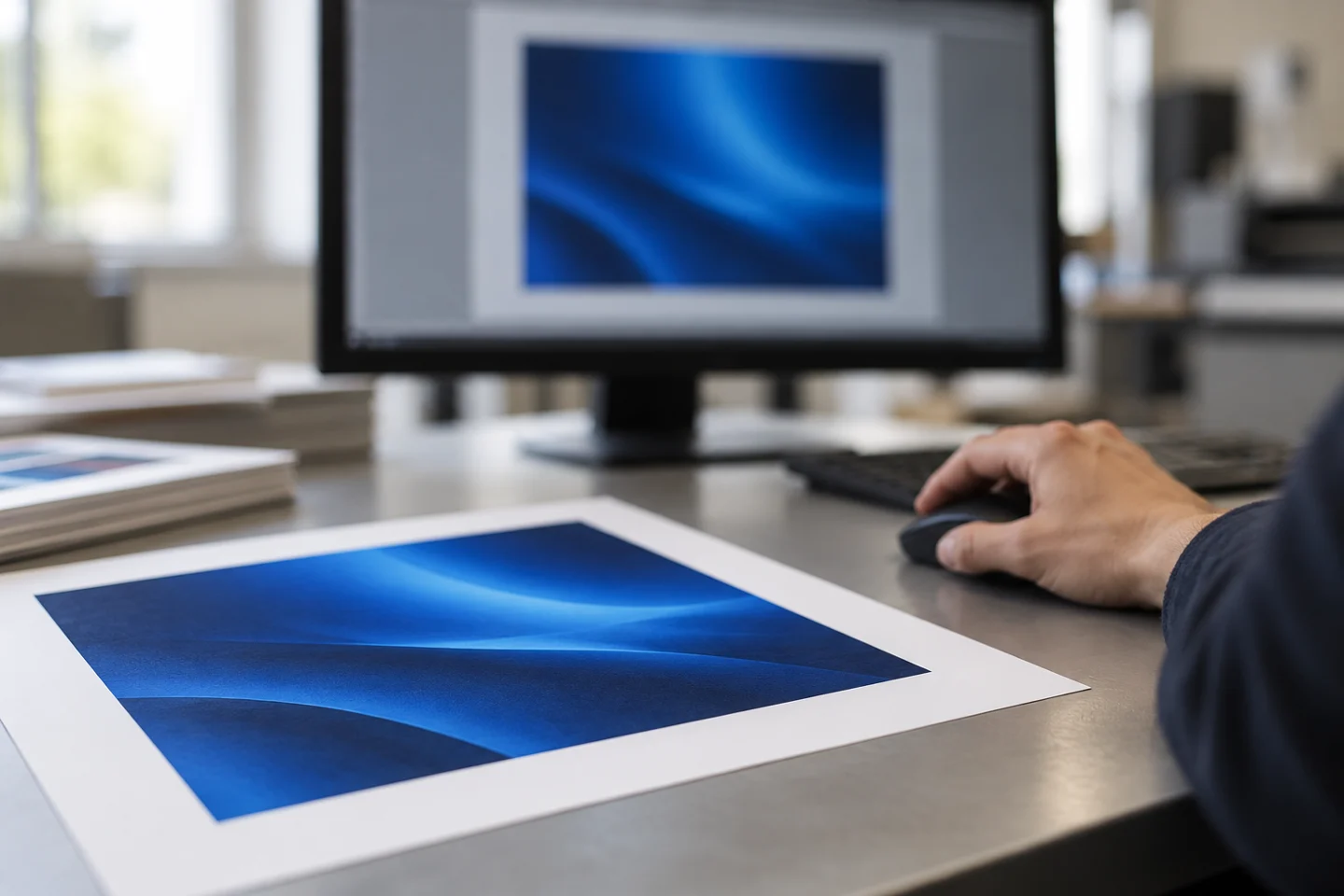
When overprinted process colors do not share common inks, InDesign adds their ink values. In PitStop, a basic object ink-coverage check ignores overlap, overprint, transparency and masking. In PitStop, a full-page ink-coverage check includes objects, overprint, transparency and masking. Choose the full-page check when reviewing those interactions. Keep the inspection result with the exported file.
In Acrobat Pro, objects on hidden layers are excluded from the onscreen preview. Review the intended layer visibility as part of the handoff.
Correct flagged areas and recheck
In PitStop, an Apply DeviceLink Action can use a Device Link profile that reduces ink. For a correction pass, select the intended ink-reducing profile, apply the correction, and inspect the resulting PDF again. Record the correction owner and the final filename in the checklist.
InDesign’s Separations Preview panel has an Ink Limit view with an adjustable total percentage. Use the layout check during preparation, then complete the final-PDF inspection before delivery.
Profile and preflight handoff checklist
Copy this checklist into the ad’s production brief. Complete it for the delivery file.
- Receiving publication or printer: record the destination and specification.
- Substrate and print process: enter the job’s intended stock and process.
- Requested profile: copy the complete profile filename from the job instructions.
- Coverage requirement: record the specified limit and any separate recommended level.
- Checking threshold: record the value entered for the inspection.
- Page inspection: review highlighted regions, overprint, transparency and intended layer visibility.
- Correction record: name the person responsible and describe the action taken.
- Final delivery: record the exported filename and the recheck outcome.
Continue with the print-design guides for the surrounding ad-production workflow.
Sources
- Ads & Data — Technical specifications Luxemburg
- WAN-IFRA — Newspaper colour reproduction guide
- ICC — PSOcoated_v3.icc
- ICC — PSOuncoated_v3_FOGRA52.icc
- WAN-IFRA — Implications of lower grammage newsprint
- PRINTING United Alliance — Managing Ink Coverage
- Manzoni — Newspaper advertising specifications
- Enfocus — Total ink coverage checks
- Adobe — Preview output (Acrobat Pro)
- Adobe — Overprinting in InDesign